My Email Was Hacked: Phishing Response for Microsoft 365
Your email account was compromised through sophisticated phishing that tricks you into entering your password and verification code on a fake login page. Even with multi-factor authentication (MFA) enabled, attackers can still gain access. Once in, they hide their activity by creating email rules, monitor your messages for payment information, and eventually attempt financial fraud. Here’s what to do immediately and how to protect your business.
How Attackers Bypass Multi-Factor Authentication
You receive an email that looks legitimate—maybe it’s a password expiry notice or a document requiring urgent review. You click the link and land on what appears to be the normal Microsoft 365 or Google login page. You enter your username, password, and verification code from your phone. Everything looks correct.
Behind the scenes, the attacker is forwarding your details to the real login page in real-time. They capture your login details after you’ve already proven your identity, allowing them to sign in as you without needing to enter a verification code again. This works even if you’re using SMS codes, authenticator apps, or email verification.
Warning Signs Your Email Was Compromised
- You cannot sign in, or your password was changed without your knowledge
- Emails in your Sent Items that you didn’t send (especially payment requests or invoice changes)
- Email rules automatically deleting, archiving, or forwarding messages (check your inbox rules settings)
- Your emails are being forwarded to an external email address you don’t recognize
- Third-party apps connected to your email that you didn’t authorize
- Sign-ins from locations you haven’t visited or devices you don’t own
- Payment instructions or banking details changed in emails sent from your account
- Colleagues or clients reporting suspicious emails from you
What to Do Right Now
1. Change your password immediately (use a trusted device):
- Use a computer or phone you know is safe (not a public computer)
- Change your email password to something completely new
- If you’re using Microsoft 365, ask your IT team to sign out all active sessions
- If you’re using Google Workspace, ask your IT team to end all active sessions
- Set up a new verification method (use an authenticator app instead of SMS if possible)
2. Check and remove hidden attacker access: Attackers often leave behind ways to get back in even after you change your password:
- Go to your inbox rules/filters and delete anything you didn’t create (especially rules that delete, move, or forward emails)
- Check if your emails are being automatically forwarded to another address—remove any forwarding you didn’t set up
- Look for third-party apps connected to your email (like unknown productivity tools)—remove anything unfamiliar
- Check who has access to your mailbox—remove anyone who shouldn’t be there
3. Review what happened:
- Look through your Sent Items folder for the last 30 days for any emails you didn’t send
- Check your Deleted Items folder—attackers often hide security alerts there
- Look for payment requests, invoice changes, or requests for gift cards
- If you use OneDrive, SharePoint, or Google Drive, check if files were accessed
4. Review sign-in activity:
- Check your email account’s sign-in history to see where the attacker logged in from
- Microsoft 365: Go to portal.office.com → My Account → Security Info → View Activity
- Google Workspace: Go to myaccount.google.com → Security → Your Devices → Manage Devices
- Look for sign-ins from unfamiliar cities, countries, or IP addresses
- Note the dates and times—this shows when the attacker had access
5. Notify the right people:
- Contact your IT team or security team immediately
- If any payment or banking emails were sent from your account, call your finance team by phone (don’t email them)
- Contact your bank directly if payment instructions were changed
6. Consider professional incident response: If you’re unsure whether you’ve removed all attacker access, if payment fraud occurred, or if multiple accounts are affected, engage a cybersecurity firm to investigate. They can review audit logs, identify how the attacker got in, confirm all persistence mechanisms are removed, and check if other accounts were compromised. Contact Eviant for incident response assistance—we specialize in Business Email Compromise investigations for Microsoft 365 and Google Workspace.
How to Prevent This From Happening
Account security:
- Require stronger authentication methods (hardware security keys are best, authenticator apps are good, SMS is weakest)
- Only allow company-managed devices to access email
- Require IT approval before staff can connect third-party apps to their email
- Set up automatic alerts when someone signs in from an unusual location or creates email rules
Email protections:
- Enable warnings on emails from external senders so staff know when an email comes from outside your organization
- Turn on link protection that checks suspicious links before staff click them
- Block automatic email forwarding to personal email accounts
- Set up email authentication (ask your IT provider about SPF, DKIM, and DMARC)
Payment and financial controls:
- Require phone call verification for any changes to payment details or bank account information (never accept these changes by email alone)
- Require two people to approve payments above a certain amount
- Train staff to recognize suspicious payment requests, especially those claiming urgency or asking for gift cards
Staff training:
- Show staff examples of phishing emails targeting your industry
- Teach them to verify requests by calling the person directly (not replying to the email)
- Explain that attackers often hijack real email conversations to make their requests look legitimate
Key Takeaways
- Even multi-factor authentication can be bypassed: Sophisticated phishing tricks you into entering your login and verification code on a fake page that looks real, giving attackers access even with MFA enabled.
- Change your password isn’t enough: Attackers leave behind email rules, forwarding settings, and connected apps that let them back in. You must check and remove these manually.
- Both Microsoft 365 and Google Workspace are targeted: This attack works on all major email platforms. Protection requires stronger verification methods and staff training.
- Always verify payment changes by phone: Never trust payment or banking detail changes sent by email—always call the person directly using a number you already have.
- Watch for hidden signs: Email rules created automatically, sign-ins from unusual locations, and apps you didn’t authorize are all warning signs of compromise.
Need help responding to a compromised email account? Contact Eviant for incident response services for Microsoft 365 and Google Workspace.
Related Resources

AWS Lambda Backdoor Investigation: Compromised Credentials, EventBridge Persistence, and the Serverless Logging Gap
Technical analysis of an AWS cloud breach involving exposed credentials, Lambda function backdoors, EventBridge persistence mechanisms, and the unique challenges of incident response in serverless environments.

OpenClaw: Why You Should Avoid These AI Agents
OpenClaw and Moltbot AI agents promise productivity but introduce severe security risks. Learn why these tools threaten Australian SMBs and what to use instead.
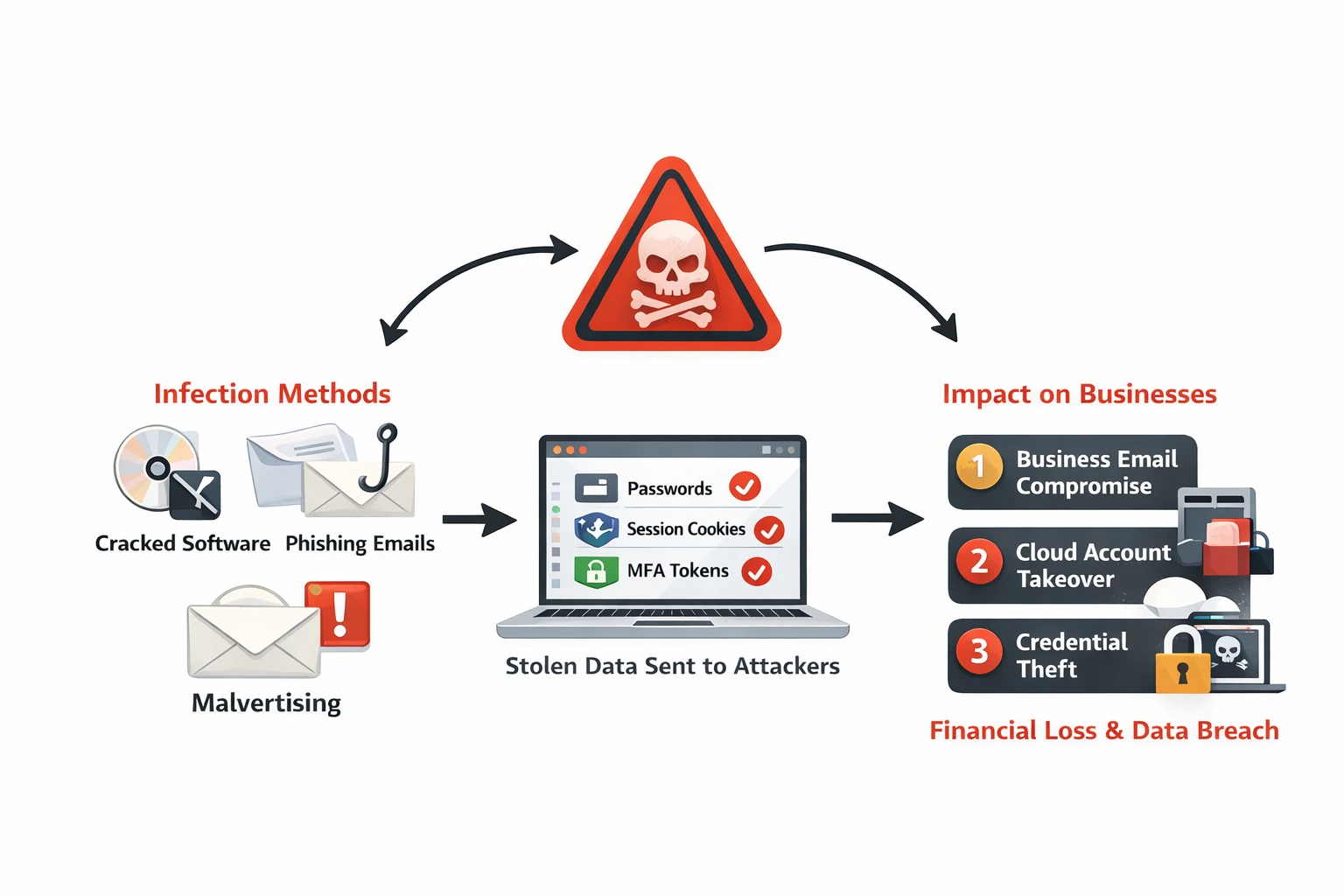
Infostealer Malware: How Credential Theft Bypasses MFA and What to Do About It
Infostealer malware silently extracts browser passwords, session cookies, and MFA tokens from employee devices. Learn how infostealers work, why they bypass security controls, and detection strategies for Australian businesses.
Ready to Work Together?
Let's discuss how we can help protect your business and achieve your security goals.