OpenClaw: Why You Should Avoid These AI Agents
OpenClaw (previously called Clawdbot and Moltbot) is a viral AI assistant that can automate tasks on your computer—sending emails, browsing websites, managing files, and connecting to messaging apps like WhatsApp, Telegram and iMessage. While it sounds useful, there are concerns around credential handling, data usage and overal security when using the tool. Eviant is recommending Australian businesses avoid OpenClaw until a safe alternative has been released for the community.
What is OpenClaw and Why Are People Using It?
OpenClaw is an open-source AI agent that runs on your computer with full access to your files, emails, messages, and applications. Unlike ChatGPT or other chatbots that just answer questions, OpenClaw can take actions, it executes commands, reads your files, controls your browser, and automates repetitive tasks. The tool went viral because it’s free and promises to act as a personal assistant. Australian businesses have started using it to automate appointment scheduling, email responses, data entry, and social media posting. The problem: OpenClaw has unrestricted access to everything on your computer. It operates with the same permissions you have, meaning it can read every file, access every password, and send data anywhere—including to attackers.
Critical Security Risks for Australian Businesses
Full system access with no safeguards: OpenClaw can execute any command on your computer. There are no restrictions preventing it from accessing customer data, financial records, employee information, or confidential business documents. If your computer has access to cloud drives, email accounts, or business systems, OpenClaw can access those too.
Prompt injection attacks: Attackers hide malicious instructions inside normal-looking content that OpenClaw reads. For example, an attacker might send an email containing hidden text instructing OpenClaw to extract all files and send them to an external server. Approximately 5% of posts on Moltbook (the social network for AI agents) contained these hidden attack instructions.
Malicious plugins disguised as helpful tools: OpenClaw uses “skills” (plugin extensions) for additional functionality. Security audits found that 22-26% of available skills contain security vulnerabilities or outright malware. One “weather app” skill was actually credential-stealing malware that silently uploaded API keys and passwords to attacker servers.
No way to verify what it’s doing: OpenClaw operates autonomously. You won’t know if it’s been compromised, if it’s leaking data, or if malicious instructions are being executed until damage occurs. One user woke up to unexpected API costs and Cloud costs when a task continued running inth ebackground.
Known Incidents
- Credential theft: A plugin disguised as a weather tool stole API keys and authentication tokens from users’ configuration files
- Database breach: Moltbook’s database was left unsecured, exposing 1.5 million API tokens, 35,000 email addresses, and private messages—anyone could access or modify data for any agent
- Message spam: Agents gained access to iMessage and sent hundreds of uncontrolled messages to contacts
- Remote code execution: Multiple critical vulnerabilities allowed attackers to execute commands on users’ computers through crafted messages
- 341 malicious skills identified in the ClawHub repository designed to steal data or compromise systems
Security experts who founded major tech companies have warned against using OpenClaw. Andrej Karpathy (OpenAI founding member) called it “a dumpster fire” and warned: “You are putting your computer and private data at a high risk.”
What to Do If Employees Are Using OpenClaw
Immediate actions:
- Check if anyone in your business has installed OpenClaw (ask IT to search for “openclaw” or “moltbot” in processes, applications, or browser traffic). If found, shut it down immediately and revoke all API keys and passwords the user accessed
- Review what data the agent could have accessed (emails, files, customer records)
- Change passwords for all accounts the user logged into from that device
Prevent future installations:
- Block openclaw[.]ai domains at your network firewall
- Establish a policy requiring IT approval before installing AI tools or automation software
- Educate staff on why these tools are prohibited (explain the business risks, not just “company policy”)
- Provide approved alternatives for legitimate automation needs
Safer Alternatives for Australian Businesses
If your team needs automation or AI assistance, use enterprise solutions with proper security controls including Claude Code. At this point in time safe alternatives are likely being developed and we should continue to watch this space for new developments. Eviant advises against OpenClaw usage at this point in time.
Key Takeaways
- OpenClaw is not business-grade software: It’s a viral experiment with severe security vulnerabilities, not a tool designed for handling business or customer data.
- Full system access creates maximum risk: OpenClaw can read every file, access every password, and take any action you can—with no oversight or restrictions.
- Attacks are already happening: Credential theft, data breaches, and malicious plugins are documented realities, not theoretical concerns.
- Privacy Act compliance is impossible: You cannot meet Australian privacy obligations when AI agents have unrestricted data access and send information to unknown third parties.
- Safer alternatives exist: Enterprise automation and AI tools provide similar functionality with proper security, compliance, and accountability.
Contact Eviant for AI security assessments and governance planning for Australian businesses.
Related Resources

My Email Was Hacked: Phishing Response for Microsoft 365
Immediate response steps for phishing attacks that compromise Microsoft 365 and Google Workspace accounts. Covers MITM phishing that bypasses MFA, removing attacker persistence, and prevention.

AWS Lambda Backdoor Investigation: Compromised Credentials, EventBridge Persistence, and the Serverless Logging Gap
Technical analysis of an AWS cloud breach involving exposed credentials, Lambda function backdoors, EventBridge persistence mechanisms, and the unique challenges of incident response in serverless environments.
Infostealer Malware: How Credential Theft Bypasses MFA and What to Do About It
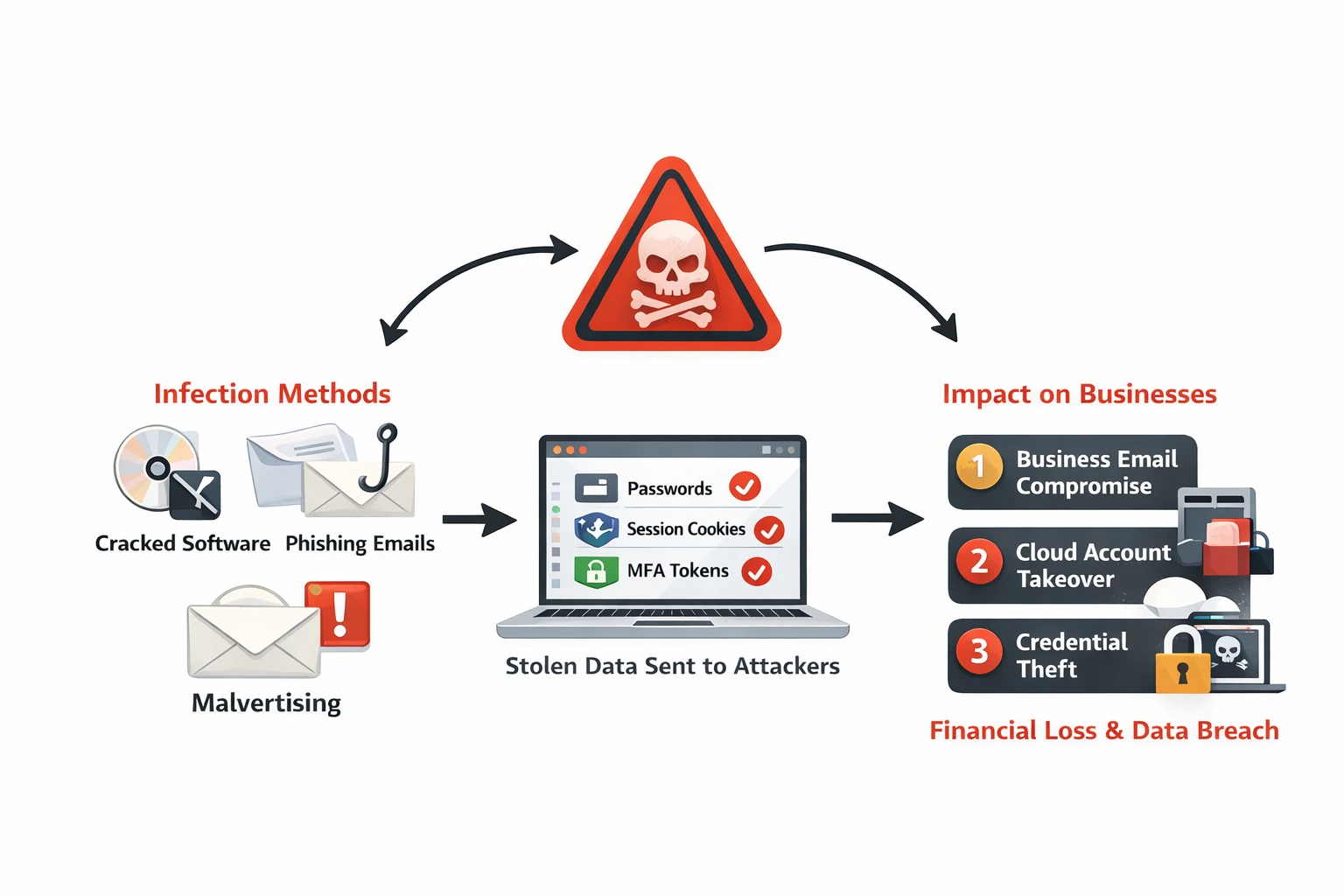
Infostealer malware silently extracts browser passwords, session cookies, and MFA tokens from employee devices. Learn how infostealers work, why they bypass security controls, and detection strategies for Australian businesses.
Ready to Work Together?
Let's discuss how we can help protect your business and achieve your security goals.